Scan Phone Numbers Instantly with AI.
Save Contacts, Export to Excel & Navigate.
Scan phone numbers, business cards, and parcel addresses from photos, documents, and screens with on-device AI. Save directly to Contacts, export batches to Excel (CSV) & vCard, or navigate in Google Maps with zero typing.
No manual entry. 100% offline & private. Point your camera and save.

✨ The fastest way to scan phone numbers & cards into contacts.
Trusted by Professionals Worldwide
Real cumulative impact metrics generated by active Scan2Save users scanning phone numbers, business cards, screens, and parcel labels.
Powerful AI Features
Everything you need to scan, extract, save to contacts, export to Excel, and navigate — instantly.
Scan Phone Numbers from Photos & Screens
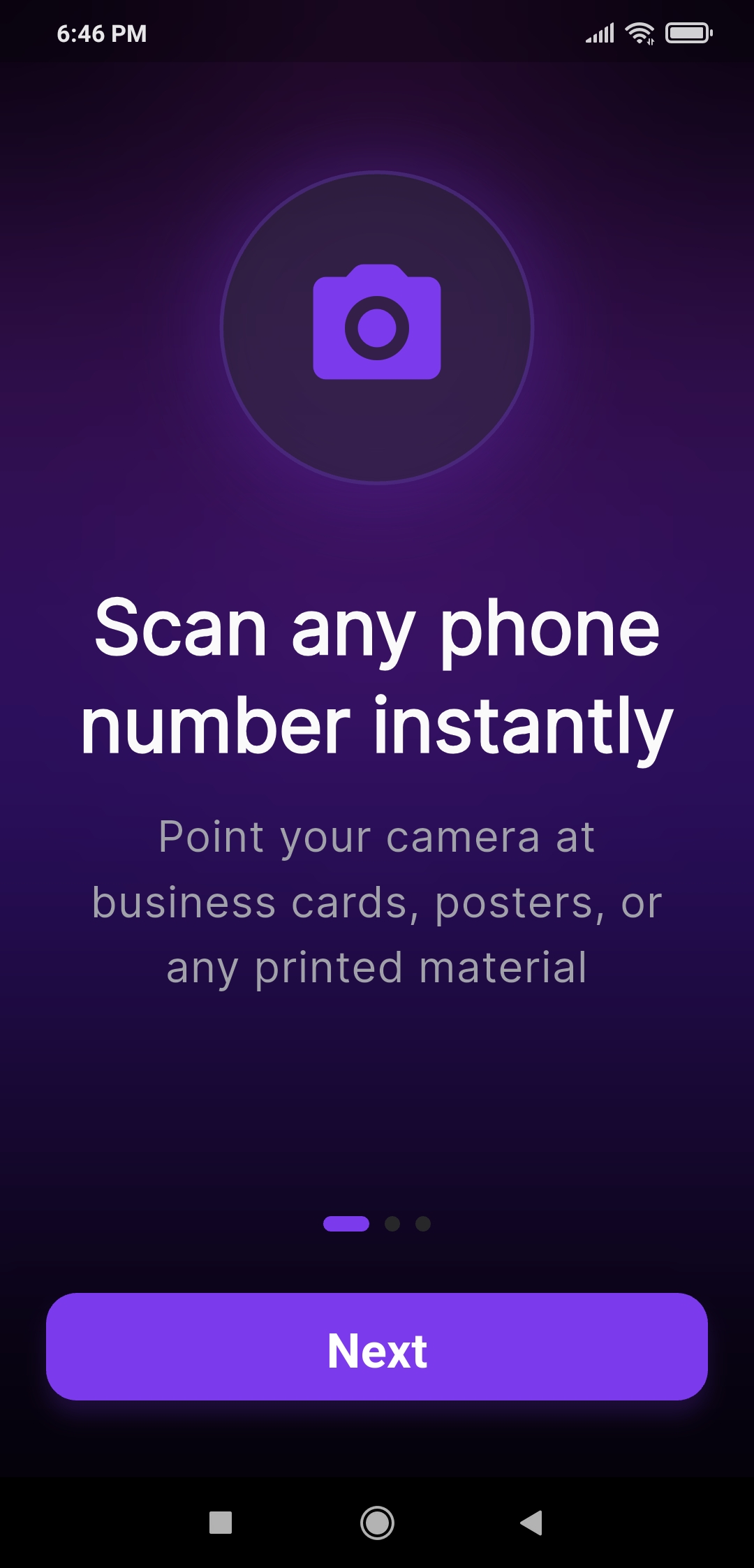
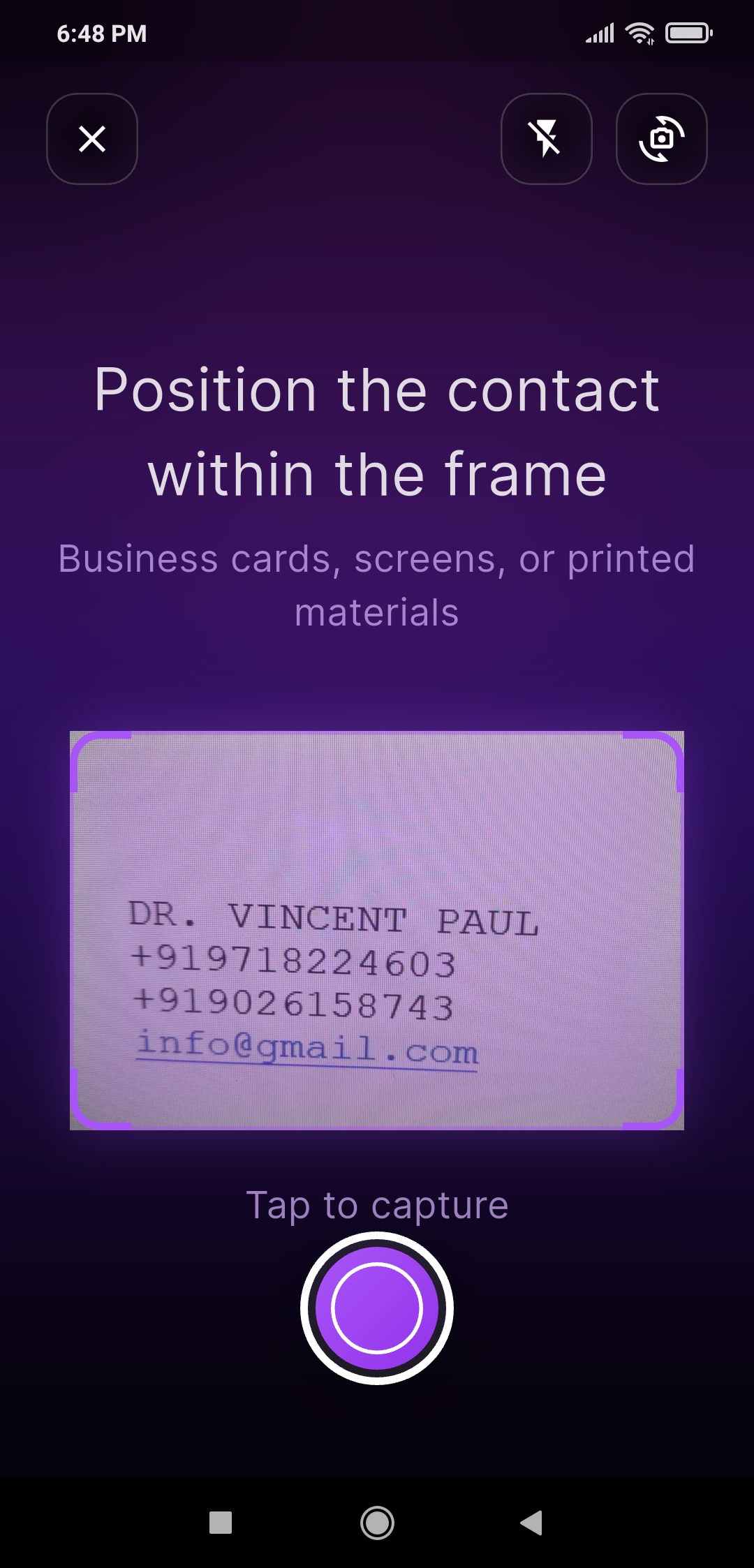
Point your camera at any business card, document, printed sign, parcel label, or screen. On-device AI OCR reads phone numbers, emails, and addresses instantly without typing.
Save Directly to Contacts & Phone Book
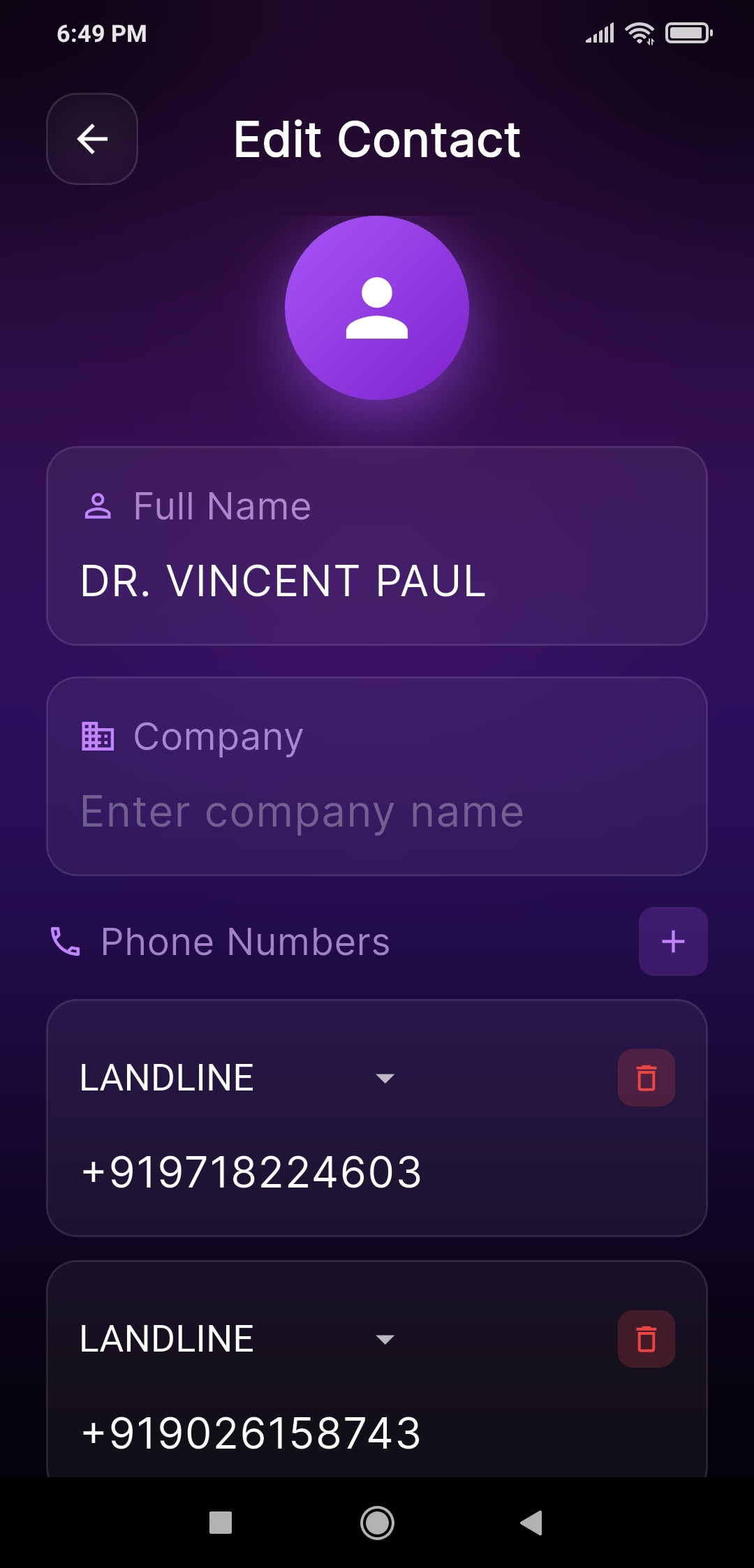
Save any extracted contact straight to your phone's address book with one tap. Zero manual typing, zero copy-pasting, and zero formatting errors.
Batch Card Scanner & "Save All"
Scan dozens of business cards in seconds without leaving the camera. Tap "Save All" to write the entire batch directly into your contacts in one go.
Export to Excel (CSV) & vCard (VCF)
Turn a stack of business cards or scanned documents into clean, Excel-ready CSV spreadsheets or vCard (.vcf) files for easy CRM backup and sharing.
Scan2Map — Parcel Label Address Scanner
Photograph any shipping label, parcel, invoice, or door plate. On-device address verification confirms the destination and navigates in Google Maps.
My Route — Multi-Stop Delivery Mode
Scan your packages in the morning to build your daily route. Tap through stops with live progress tracking and a timestamped delivery proof-of-work log.
File2Save — Import Contact Lists
Import contacts from CSV or text files directly into structured contact cards. Digitize bulk phone numbers and details without typing.
Handwriting-Aware Digit Correction
Intelligent on-device OCR correction automatically fixes common character mix-ups in phone numbers (O→0, l→1, S→5, B→8, Z→2).
Complete Contact Info Extraction
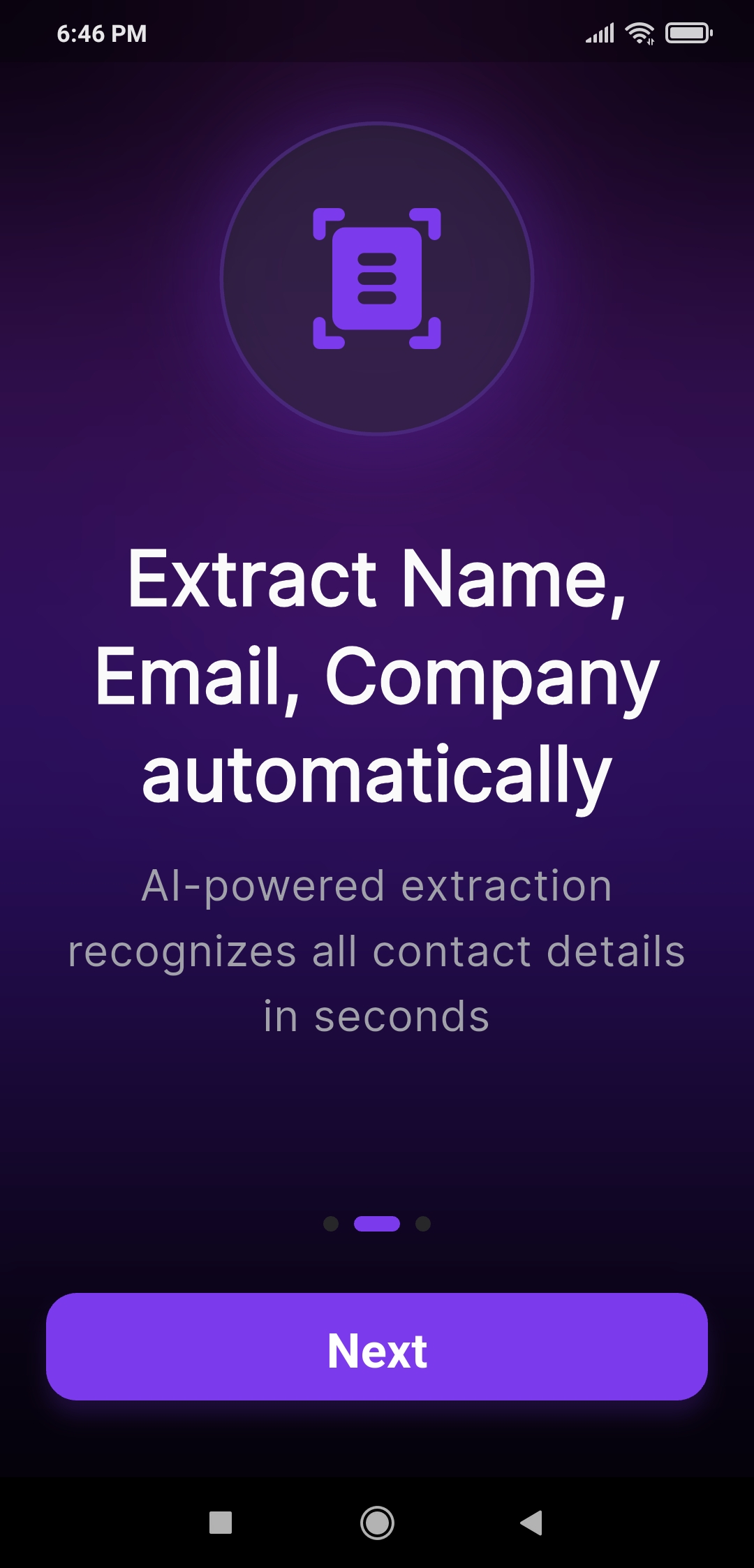
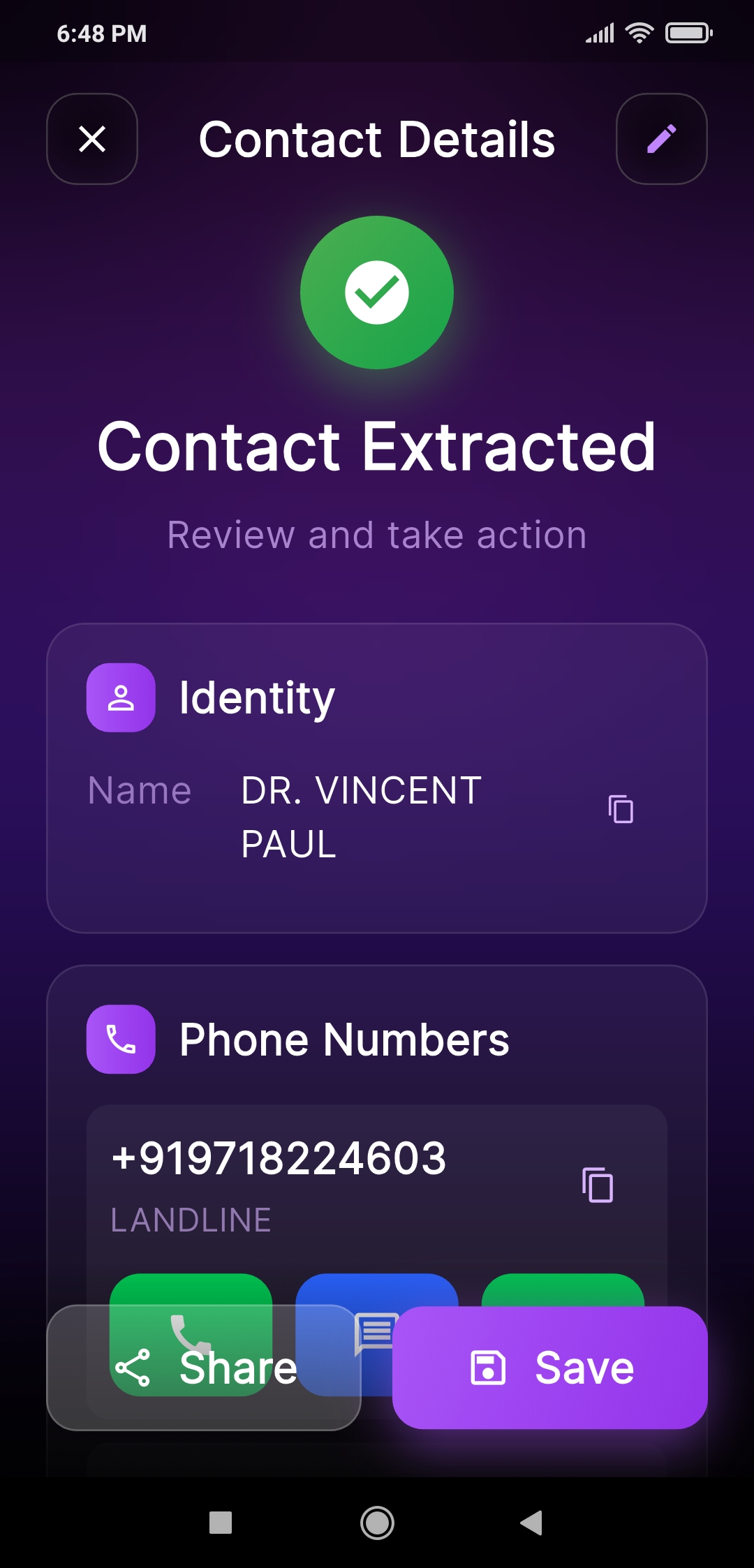
Extracts Name, Job Title, Company, multiple Phone Numbers (local and international), Email, Website, and Address in a single camera pass.
Scan Phone Numbers from 190+ Countries
Recognizes phone numbers globally. Set your Default Country in Settings, and locally-printed numbers resolve accurately even without country codes.
Scan Screenshots & Gallery Images
Extract phone numbers, business cards, and addresses from gallery photos, screenshots, and downloaded images with the same high accuracy.
100% Offline On-Device OCR (No Internet Needed)
Powered by Google ML Kit running entirely on your phone. Works without WiFi or mobile data, keeping all your scans 100% private.
100% Secure & Private (No Cloud Uploads)
No accounts, no logins, and zero cloud uploads. Your images, scans, and address book contacts never leave your device.
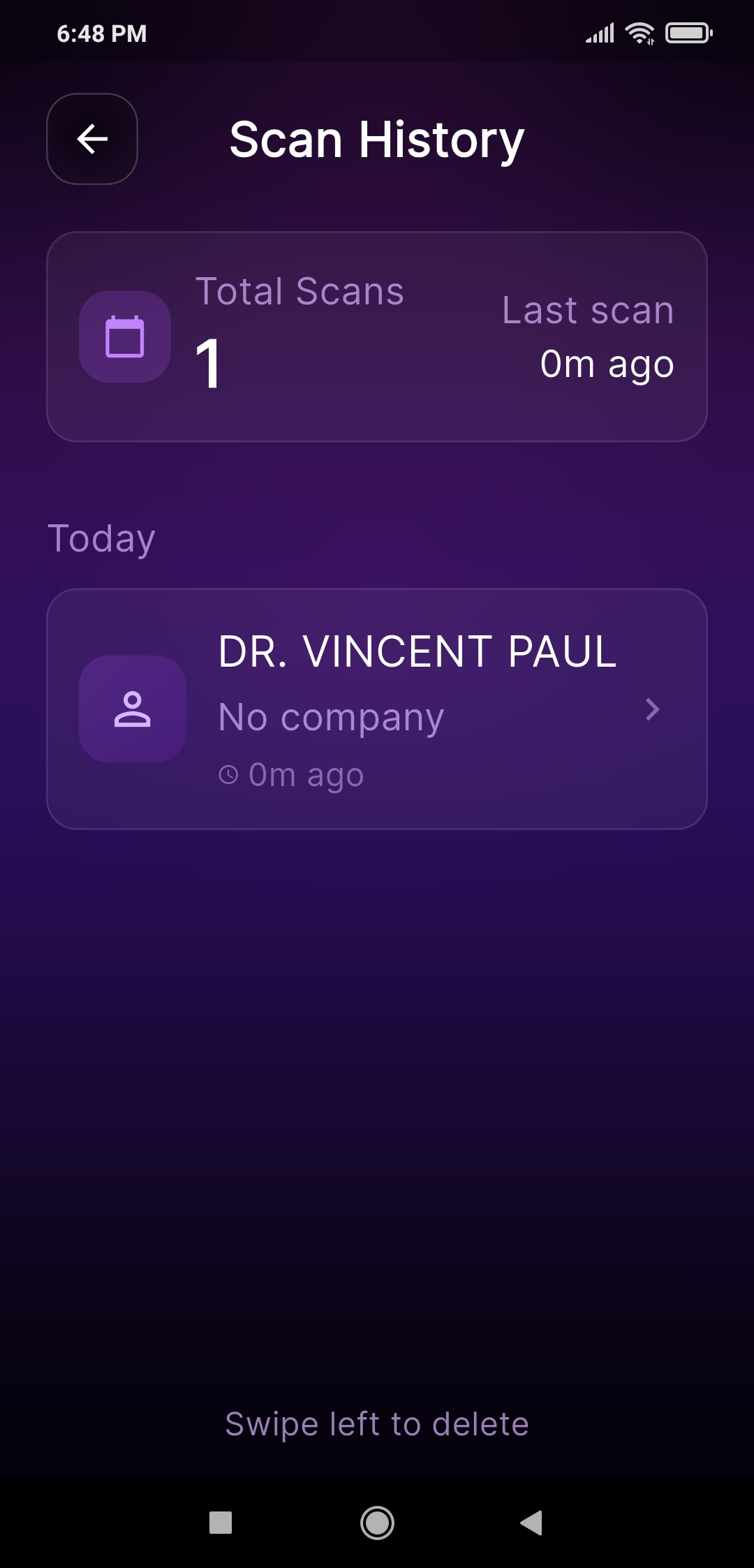
Scan History & Quick Actions
Keep an automatic local history of recent scans. Search, edit, save to contacts, export, share vCards, or navigate in seconds.
4 Dedicated Camera Modes
Switch easily between Auto, Screen (anti-glare for monitors & phone screens), Document, and Banner (2× zoom for shop boards and hoardings).
Batch Card Scanner & 'Save All'
Collected a stack of business cards at an expo, conference, or client meeting? Scan2Save's Batch Scan mode lets you capture card after card continuously without leaving the camera. Once scanned, tap 'Save All' to write every contact straight into your phone's address book, or export them to Excel in seconds.
Export to Excel (CSV) & vCard
Transform physical business cards and documents into actionable spreadsheets. Scan2Save exports your entire batch into clean, Excel-ready CSV (UTF-8) files or standard vCard (.vcf) files. Easily import your leads into Google Contacts, Outlook, Excel, or your CRM without manual data entry.
Scan2Map — For Delivery Drivers & Logistics
STOP typing addresses manually into navigation apps. Point your camera at any shipping label, parcel, invoice, or door plate. Scan2Map automatically parses postal codes, street names, and consignee blocks while stripping barcodes and tracking noise. An on-device geocoder verifies the address and launches Google Maps turn-by-turn navigation with exact GPS coordinates.
My Route — Multi-Stop Delivery Route Organizer
Scan 10 parcels in the morning and tap through your delivery stops all day. Build your route seamlessly by scanning packages one after another. Manage a numbered stop list with a live progress counter, navigate to each stop with a single tap, and maintain a timestamped proof-of-work delivery log.
File2Save — Import Contact Lists Instantly
Have phone numbers or client lists in a CSV or text file? Import them directly into Scan2Save. The app automatically parses phone numbers, names, and emails into structured digital contacts ready to be saved into your address book or exported.
100% Private, On-Device AI (Zero Cloud Uploads)
Your contact data and scanned photos belong exclusively to you. All optical character recognition (OCR) and address verification run 100% locally on your phone using Google ML Kit. There is no cloud server, no account creation, and zero data uploads.
How It Works
Simple steps to scan, save, and export instantly — no typing required.
Scan
Point your camera at any business card, phone screen, screenshot, or printed document. AI captures the text instantly with high-accuracy OCR.
Extract
AI automatically detects phone numbers, names, emails, and addresses — even from low-quality images.
Take Action
Save to contacts, export to Excel, or navigate in one tap. No manual typing. No mistakes.
Batch & Export
Scan dozens of contacts in seconds. Export your entire batch to professional Excel spreadsheets or VCF files instantly.
Loved by Professionals
Scan2Save boosts productivity for teams and individuals everywhere
"Networking became effortless with this AI contact scanner. I just scan business cards or screens and save them straight to contacts—no manual typing ever again."
"The best business card scanning app I’ve used. It accurately extracts phone numbers, emails, and addresses in seconds. Huge time saver during meetings."
"Fast, clean, and unbelievably accurate. I even scan screenshots and it pulls the contact details perfectly. Perfect tool for busy professionals."
"Scan2Save helps me avoid typing dozens of numbers daily. Works offline and even reads contacts from printed documents or displays. Highly recommended."
"I love how quickly it extracts names, phone numbers, and addresses. The Google Maps redirection feature is a lifesaver during field visits."
"The AI extraction is incredibly precise, even in low light. The history feature helps me revisit scanned contacts anytime. A must-have productivity app."
"The new Batch Scan and Save All feature has completely transformed our workflow. We scan 50 business cards in minutes at expos and write them all straight into Google Contacts in one go."
"Scan2Save’s Scan2Map feature is a lifesaver. I photograph parcel shipping labels, and it verifies the address and launches Google Maps turn-by-turn navigation with exact GPS coordinates."
"We had hundreds of phone numbers in CSV files. File2Call lets us import the spreadsheet lists directly. It converts rows of numbers to contact cards in seconds. Incredible speed!"
"With international clients, formatting numbers was tedious. Scan2Save’s default country settings auto-format global numbers from the UK, UAE, and India perfectly, even without country codes printed."
"The Excel and vCard export feature is so useful. I can export clean CSV spreadsheets from my scanned business card batches, making CRM updates completely effortless."
Perfect For
Trusted by professionals across multiple industries
Sales & Business
Network faster at events, conferences, and meetings. Instantly scan business cards and connect.
- Quick networking
- Business card scanning
- Contact management
Customer Support
Handle customer calls efficiently without typing errors. Scan tickets and call immediately.
- No typing errors
- Faster response time
- Call history tracking
Seniors & Families
Easy-to-use interface with large buttons. Perfect for those who struggle with small text.
- Simple interface
- Large buttons
- Voice-friendly
Delivery & Logistics
Navigate addresses quickly from packages, documents, or delivery lists with Google Maps.
- Address scanning
- Maps integration
- Route optimization
Complete Your Digital Workspace with Scan2PDF
While Scan2Save handles your contacts as a number & card scanner, our powerful PDF Scanner and PDF Editor, Scan2PDF, digitizes your paperwork. Scan documents, receipts, edit PDF text inline, use N-up layout, sign PDFs, and perform instant PDF conversion.
See It In Action
Experience the power of AI-driven contact scanning
Manual Typing vs. Scan2Save AI
Stop wasting hours typing phone numbers and addresses by hand. Let on-device AI digitize everything in seconds.
Manual Entry
- Phone Number CaptureSlow manual typing digit by digit
- Typing ErrorsFrequent typos and wrong numbers
- Business Card StacksHours of manual transcription
- Saving to Address BookType name, phone, email field by field
- Spreadsheet ExportManual copy-pasting into Excel rows
- Parcel Address NavigationTyping long addresses into Google Maps
- Delivery Route PlanningPaper lists and scattered package addresses
- Privacy & Data SecurityThird-party cloud apps reading contacts
- Offline AvailabilityOnline cloud OCR apps fail with no signal
- Screen & Display ScanningStruggles with monitor reflections & glare
Scan2Save AI
- Phone Number CaptureInstant on-device OCR in under 1 second
- Typing ErrorsHandwriting & digit correction (O→0, S→5)
- Business Card StacksBatch Scan: 50 cards digitized in minutes
- Saving to Address BookOne-tap Save & Batch 'Save All'
- Spreadsheet ExportInstant Excel (CSV) & vCard (.vcf) export
- Parcel Address NavigationScan2Map: Verified GPS coordinates & 1-tap navigation
- Delivery Route PlanningMy Route: Scan parcels into multi-stop queue
- Privacy & Data Security100% On-Device: zero cloud uploads & no account
- Offline AvailabilityFull OCR & parsing works completely offline
- Screen & Display ScanningAnti-glare Screen Mode for PC & phone displays
Frequently Asked Questions
Everything you need to know about Scan2Save
Q:How accurate is the phone number and contact scanner?
A:Scan2Save uses advanced on-device Google ML Kit OCR combined with handwriting-aware digit correction (fixing O→0, l→1, S→5, B→8, Z→2) to ensure industry-leading accuracy on business cards, labels, and screens.
Q:Does it work offline without internet?
A:Yes! All OCR scanning, digit correction, and contact extraction run 100% locally on your device. You can scan phone numbers and business cards in remote areas or airplane mode without an internet connection.
Q:Is my data secure and private?
A:Absolutely. There is no cloud server, no user account, and no data tracking. Your photos and extracted contact details remain strictly in your phone's local storage.
Q:How do I scan business cards to Excel or contacts?
A:Use Batch Scan mode to capture card after card. The app detects all contacts, and you can tap "Save All" to add them straight to your phone book, or export them to an Excel-ready CSV spreadsheet or vCard (.vcf) file.
Q:What is Scan2Map and how does it help delivery drivers?
A:Scan2Map is a dedicated camera mode that reads destination addresses off shipping labels, parcels, and invoices. It verifies the address with an on-device geocoder (showing a green verification badge) and opens exact GPS coordinates in Google Maps.
Q:How does My Route (Multi-Stop Delivery Mode) work?
A:Scan your packages one after another in the morning. Each parcel is added as a numbered stop on your route. Tap each stop to navigate, check off deliveries with timestamped proof-of-work logs, and track daily progress.
Q:Can I scan phone numbers off another phone or computer screen?
A:Yes! With the dedicated Screen mode, the camera eliminates monitor glare and moiré patterns, allowing you to capture phone numbers directly off computer displays, laptops, and other smartphones.
Q:What is File2Save?
A:File2Save allows you to import contact lists from CSV or TXT files. The app automatically parses phone numbers, names, and emails into structured digital contacts without manual data entry.
Q:Does Scan2Save support international phone numbers?
A:Yes! It supports phone numbers from 190+ countries. You can set a Default Country in Settings so local phone numbers format correctly even if printed without country codes.
Q:Is there any subscription or hidden fee?
A:Scan2Save is completely free to download and use on Android. Core scanning, contact extraction, Excel export, and navigation features are fully accessible.
Download Scan2Save Now
AI-powered contact scanning, Excel export & parcel navigation.
Explore Our E-Commerce Solutions
Building a modern online store? Discover our high-performance headless architectures.
Magento Headless Themes
Next-generation frontend architectures designed to accelerate your Adobe Commerce and Magento 2 stores.
Aetheris Free Theme
Start your headless journey instantly with our powerful, free, open-source Magento storefront theme.
Premium Fashion Theme
A highly converting, beautifully designed headless theme tailored specifically for modern fashion brands.